Microsoft Word
Word copies a full HTML document: mso- style declarations, <o:p> tags, XML namespaces, and list items faked as ordinary paragraphs with a bullet character in front.
mso styles, <o:p>, Word list paragraphs → real Markdown lists
Copy from Word, Google Docs, Notion, Confluence, a spreadsheet or any web page, then press Ctrl+V right here. This paste to Markdown converter cleans the Office and web junk out of your clipboard and hands back clean Markdown — no upload, no sign-up.
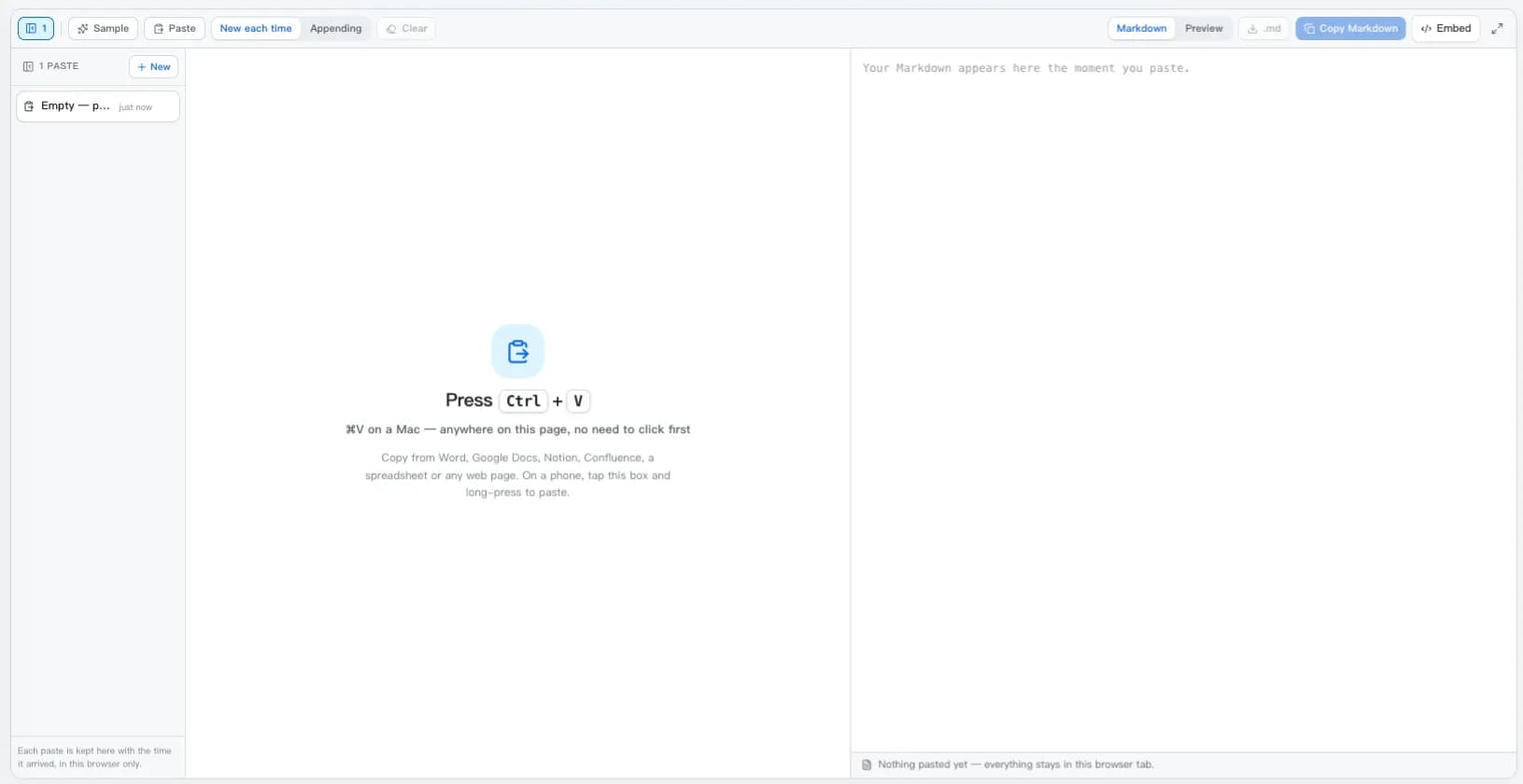
Press Ctrl+V
⌘V on a Mac — anywhere on this page, no need to click first
Copy from Word, Google Docs, Notion, Confluence, a spreadsheet or any web page. On a phone, tap this box and long-press to paste.
Paste to Markdown converts formatted content straight off your clipboard. Copy from Word, Google Docs, Confluence, Notion, a spreadsheet, or any web page, press Ctrl+V, and the Markdown is there — no file to save, nothing uploaded.
Every editor copies its own dialect of HTML, so a paste to Markdown converter has to recognise the source before it can decide what to throw away.
Word copies a full HTML document: mso- style declarations, <o:p> tags, XML namespaces, and list items faked as ordinary paragraphs with a bullet character in front.
mso styles, <o:p>, Word list paragraphs → real Markdown lists
Docs wraps the whole selection in <b style="font-weight:normal">, writes bold as font-weight:700 on a span, and routes every link through google.com/url?q=.
the fake bold wrapper, styled spans, redirect links → **bold** and clean URLs
Spreadsheets copy a real HTML table, but with the header row as plain cells and a pile of column styling attached to it.
cell styling and widths → a GFM pipe table with a header row
Both copy block-level HTML with their own data attributes and class names wrapped around otherwise ordinary headings, lists, and code blocks.
block ids and classes → headings, lists, and fenced code
A selection from a browser brings inline CSS, tracking attributes, and sometimes scripts along with the text you actually wanted.
inline CSS, scripts, iframes, and handlers → the readable content
Mail clients rewrite links through safelinks or l.facebook.com, and quote earlier messages in nested tables.
redirect wrappers → the destination URL
Copy, paste, check, copy again — the whole conversion takes about as long as reading this sentence.
Select content in Word, Google Docs, Notion, Confluence, a spreadsheet, an email, or a web page and copy it as usual.
Press Ctrl+V or ⌘V on this page — no need to click into the box first. Conversion runs the instant the clipboard arrives. On a phone, tap the paste box and long-press to paste.
The status bar names the source app and reports what was removed: inline styles, Office tags, comments, scripts, and unwrapped redirect links.
Switch to the preview tab to confirm the result, then copy the Markdown or save it as a .md file for your README, blog, wiki, or notes vault.
Some tools already convert a paste for you. Here is what each does, and where this page still helps.
Paste rich text into a GitHub issue, PR, or comment box and GitHub converts it to Markdown for you. Paste a URL over selected text and you get a Markdown link. What GitHub will not do is clean Word's mso- noise or unwrap redirect links — paste here first when the source is a document.
The Paste as Markdown extension adds a command that converts the clipboard's HTML while pasting into a .md file. It is the closest thing to this page inside an editor, and it uses the same Turndown engine underneath.
Paste as Markdown on the VS Code Marketplace →Obsidian converts pasted HTML to Markdown natively, and Ctrl+Shift+V pastes as plain text when you want the opposite. Where a note app converts nothing — or mangles a Word paste — paste to Markdown here first and paste the result in as plain text.
Turndown plus turndown-plugin-gfm is the library behind most paste to Markdown tools, including this one. Read the clipboard's text/html flavour in a paste event, clean it, and hand it to Turndown — the whole flow fits in a page of JavaScript.
This tool covers a selection. For whole files, plain-text notes, or a table you are building from scratch, these converters do a better job.
Plain notes with no formatting at all — with each structuring rule as its own toggle.
A whole .docx file, including styles and footnotes, converted in the browser.
Raw HTML source or a URL, with per-rule options and batch conversion.
Build or edit a table in a visual grid, then copy clean GFM syntax.
Not sure which flavor of Markdown you need on the other side? The Markdown cheat sheet covers the syntax, and ``` code fences, tables and task lists all survive a paste unchanged.
Straight answers about pasting from Word and Google Docs, tables, mobile, editor extensions, and what happens to your clipboard.
Scroll back to the top, press Ctrl+V, and your clipboard becomes clean Markdown — no upload, no account, nothing to install.
Last updated